Your Dock.
One shortcut away.
The apps you reach for, right under your fingers. Launch, focus, or hide them with a shortcut that stays put.
Meet your new muscle memoryComing to the Mac App Store.
Planned at US$4.99, one time. No subscription.
For macOS 15 or later · Universal Mac build
Your Dock order is
already a system.
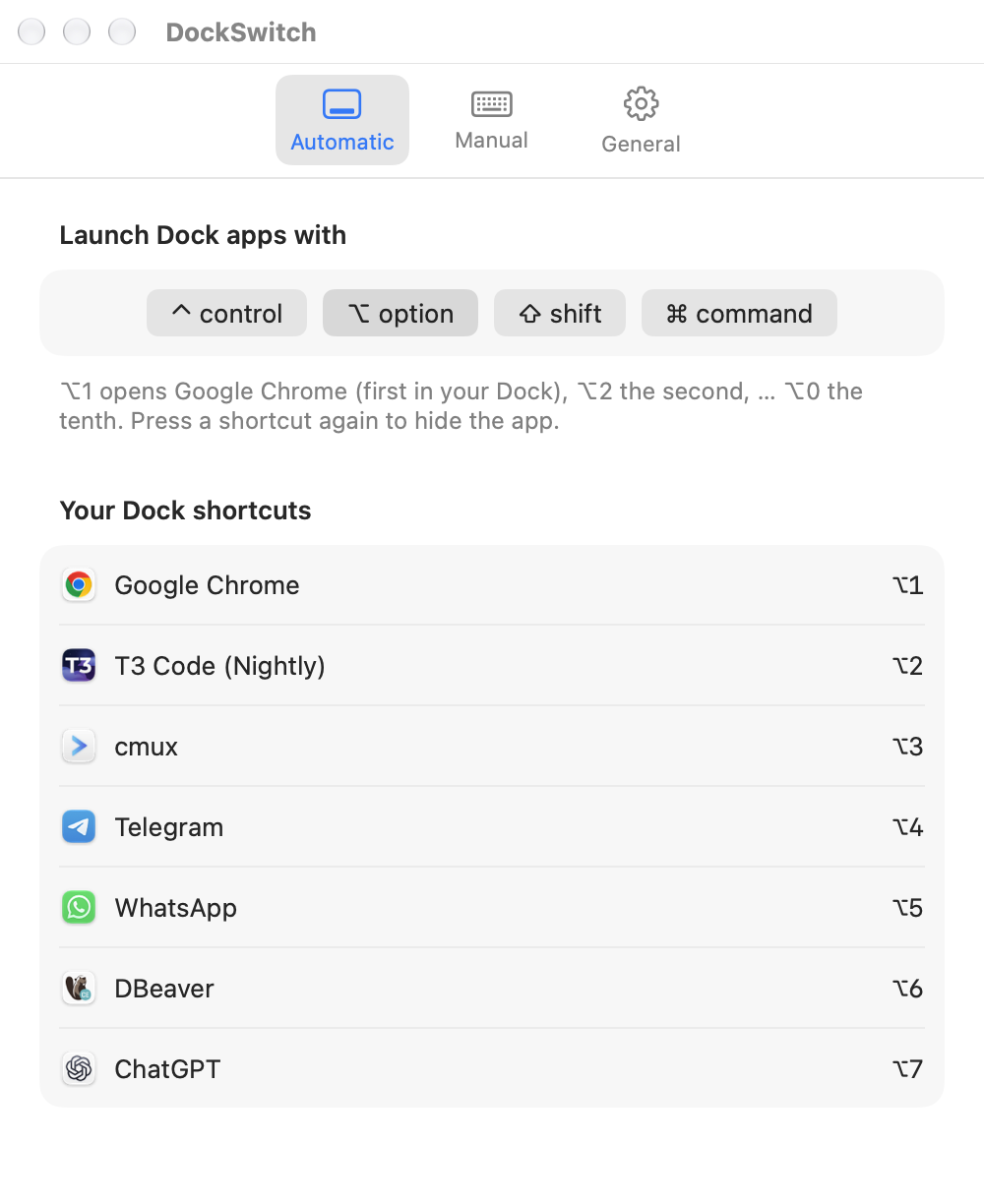
DockSwitch gives it keys. Choose a modifier, then press 1–9 or 0 to reach the first ten pinned apps after Finder. Move an app in your Dock, and its shortcut follows.
Option is the default. Choose Control, Option, Shift, Command, or a combination.
Closed? Launch it.
Your shortcut starts the app.
Behind? Bring it forward.
Go straight to the app you want.
In front? Hide it.
Press again to get it out of the way.
Some apps deserve
their own key.
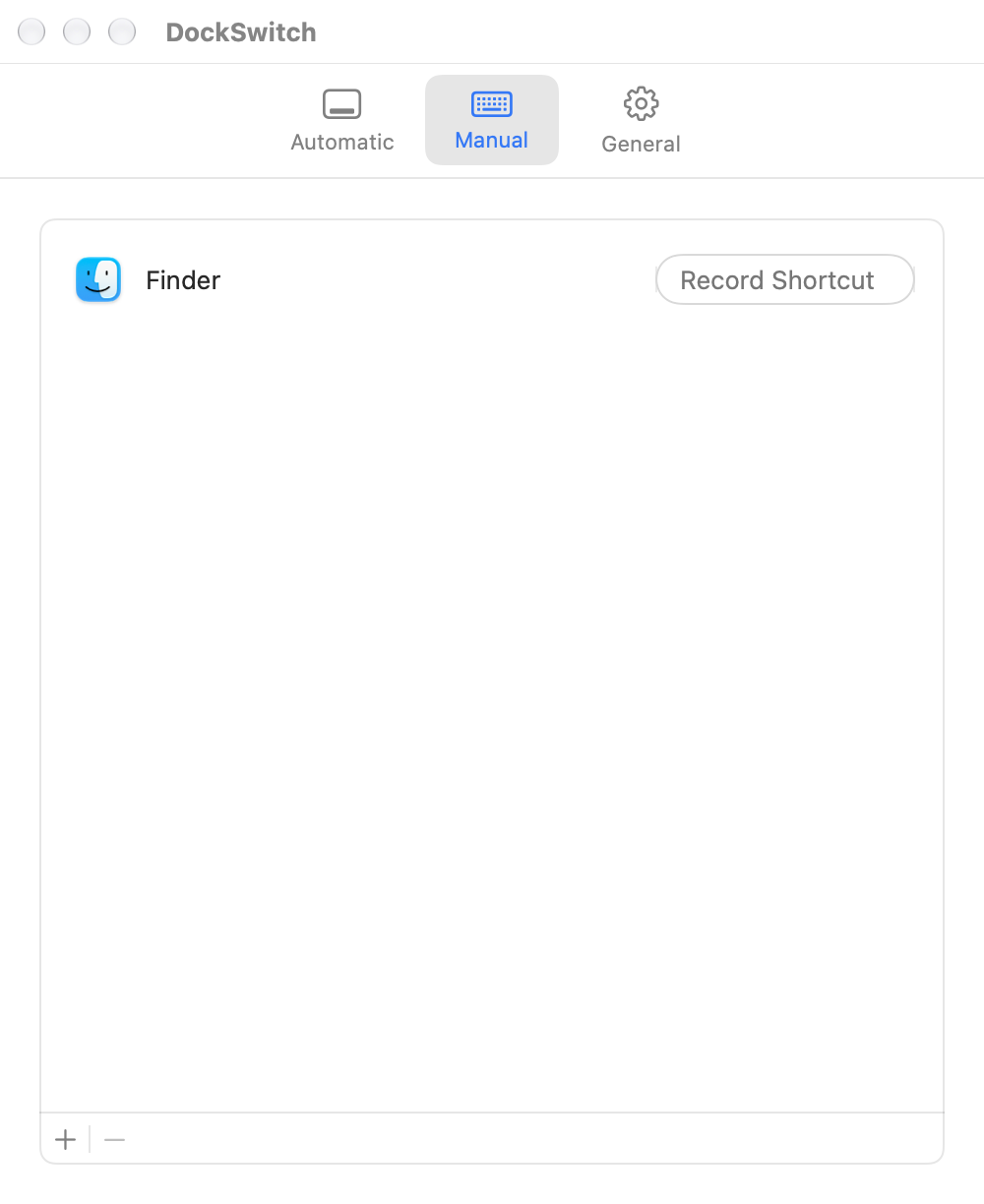
Use Manual to choose an app and record a shortcut. Keep the same direct access, with a combination that makes sense to you.
Manual assignments take priority when they share an automatic shortcut. DockSwitch shows you where a key is already used.
See the setup guideQuiet by design.
Private by default.
No account. No analytics. No Accessibility or Screen Recording permission. Your shortcut settings stay on your Mac.
DockSwitch lives in the menu bar, can start at login, and keeps working after you close its settings window.
Read the privacy policyA few things to know.
How is this different from Command-Tab?
Command-Tab cycles through your running apps. DockSwitch gives an app a direct shortcut based on its pinned Dock position or a Manual assignment. There’s no list to cycle through and nothing to type.
Does it switch individual windows?
DockSwitch switches applications. macOS and the target app choose which window comes forward. It doesn’t assign separate shortcuts to browser tabs or individual windows.
What about minimized windows and full-screen Spaces?
DockSwitch asks macOS to reopen and activate the app, using standard Dock-like behavior. Window restoration depends on the app; switching to a different Space also depends on your macOS settings. See troubleshooting for details.
Will it take over shortcuts I already use?
A global shortcut can replace the same combination in another app. Choose modifiers that don’t conflict with your workflow. For example, Command plus a number is commonly used for browser tabs.
When can I buy it?
DockSwitch is being prepared for the Mac App Store. The planned price is US$4.99 as a one-time purchase, with no subscription. A store link will appear here once the app is available; regional prices may differ.
Less switching.
More doing.
Coming to the Mac App Store.
Get in touch